Obsidian for Writers
INTRODUCTION
"A System for Writing", by Bob Doto
Hi folks, my name is Tris, and this is No Boilerplate, where I focus on fast, technical videos.
Both the co-writer of this video, Bob Doto, and I are professional writers and if you are too, you need to know about Obsidian.
There's a line from David Allen's seminal text on productivity, Getting Things Done that, whether or not people know it, is always in the background of any conversation on writing: which is, "Your mind is for having ideas, not holding them."
The problem is that ideas kept in the head, while they may feel articulated, comprehensive, and even profound, in reality remain in their infancy. Anyone who's ever tried to write down their thoughts knows this first-hand:
What felt clear ends up being vague.
What felt profound becomes far less so.
It's hard to remember your thoughts, in part because they're so riddled with gaps, twists, turns, and dead-ends.
For the writer, keeping an entire book in our head, is our own, personal, purgatory.
EXTERNAL MIND THESIS
William Zinsser, "Writing To Learn"
The solution since the beginning of history, has been for the writer to keep notes on the books, papers, and writing we are working on.
Get the thoughts out of your mind, and organised on paper.
With computers, we have been given an enormously powerful tool to solve this problem we created for ourselves.
Today, unlike Shakespere, Jane Austin and Hemmingway, we have access to:
- spreadsheets
- wikis
- notes software
- google docs
- and so on, all accessible through a web browser, perfectly backed up in case of had disk crash, laptop theft or even acts of god.
But to access this marvellous new world of writing software we had to give up one thing:
Ownerhip of our text files.
WHAT IS OBSIDIAN?
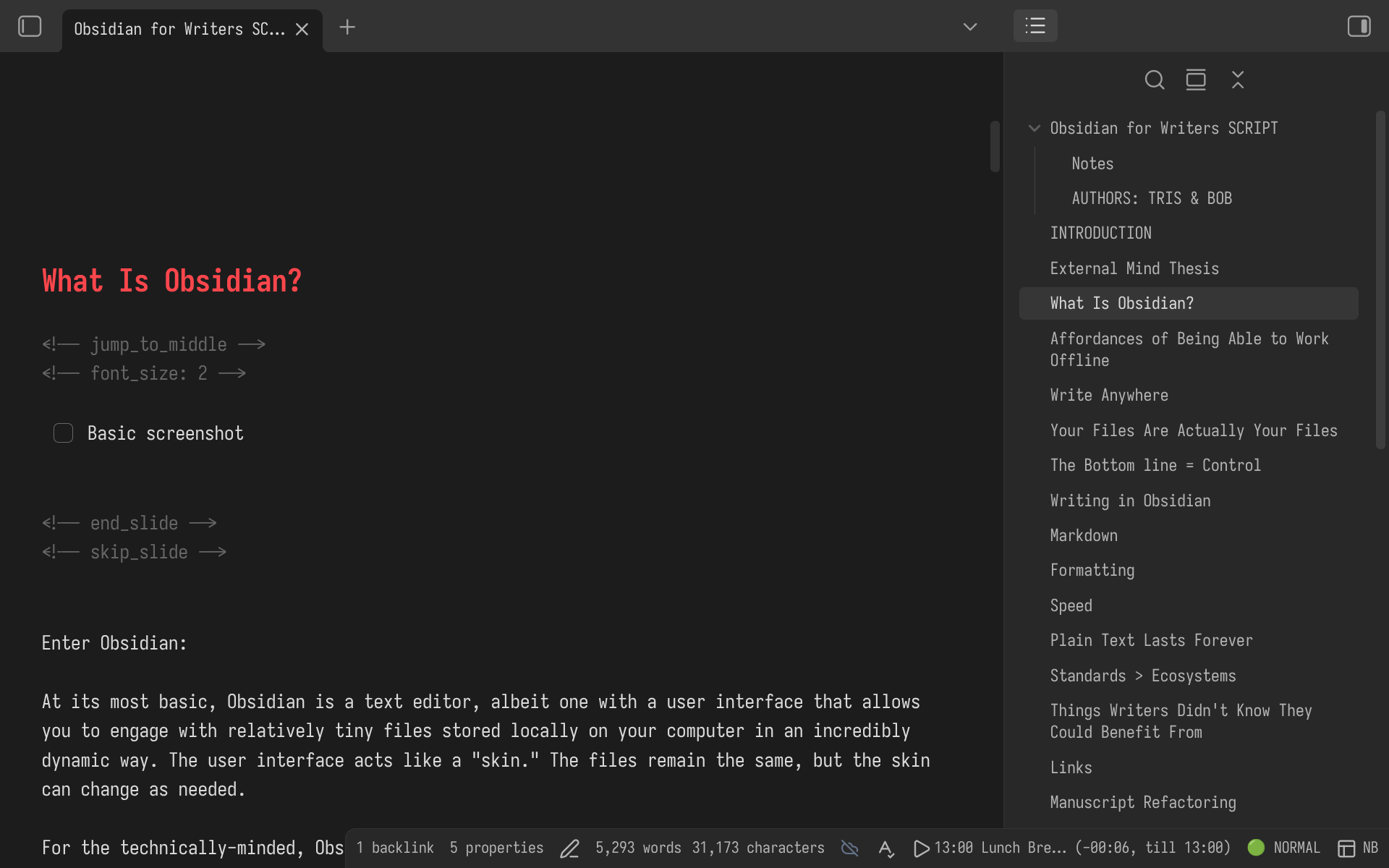
Enter Obsidian:
At its most basic, Obsidian is a text editor, albeit one with a user interface that allows you to engage with tiny files stored locally on your computer in an incredibly dynamic way. The malliable user interface acts like a "skin." The files remain the same, but the skin can change as needed, viewing and editing your files like a word processor, or a wiki, or a database, or any combination you want.
For the technically-minded, Obsidian allows you, should you wish, to treat your notes as a database and write code to do anything with it you can imagine.
Even non-programmers can take advantage of this, thanks to the thousands of plugins available in the app, with more being published every day.
OFFLINE SUPERPOWERS
One of the key features (and certainly one of the most highlighted by both users and the platform itself) is that Obsidian runs offline. At first glance, that might not sound like a big deal. We live online. Most of our tools live online. And, thanks to cloud-based platforms, so too does our writing live online. So why would we want to move ourselves and it offline?
As it turns out, when you do so, you gain superpowers.
WRITE ANYWHERE
The most immediate benefit is also the most obvious: no requirement to have an internet connection means no dependency on having one. You can write in a forest without Starlink; at a café with no WiFi; on a plane without being extorted for in-flight internet. Your work is always accessible, always editable, because it's not sitting on a server somewhere. It's sitting on your computer.
This distinction-your computer versus a server-matters more than it might initially seem, and is made possible because....
YOUR FILES
ARE ACTUALLY YOUR FILES
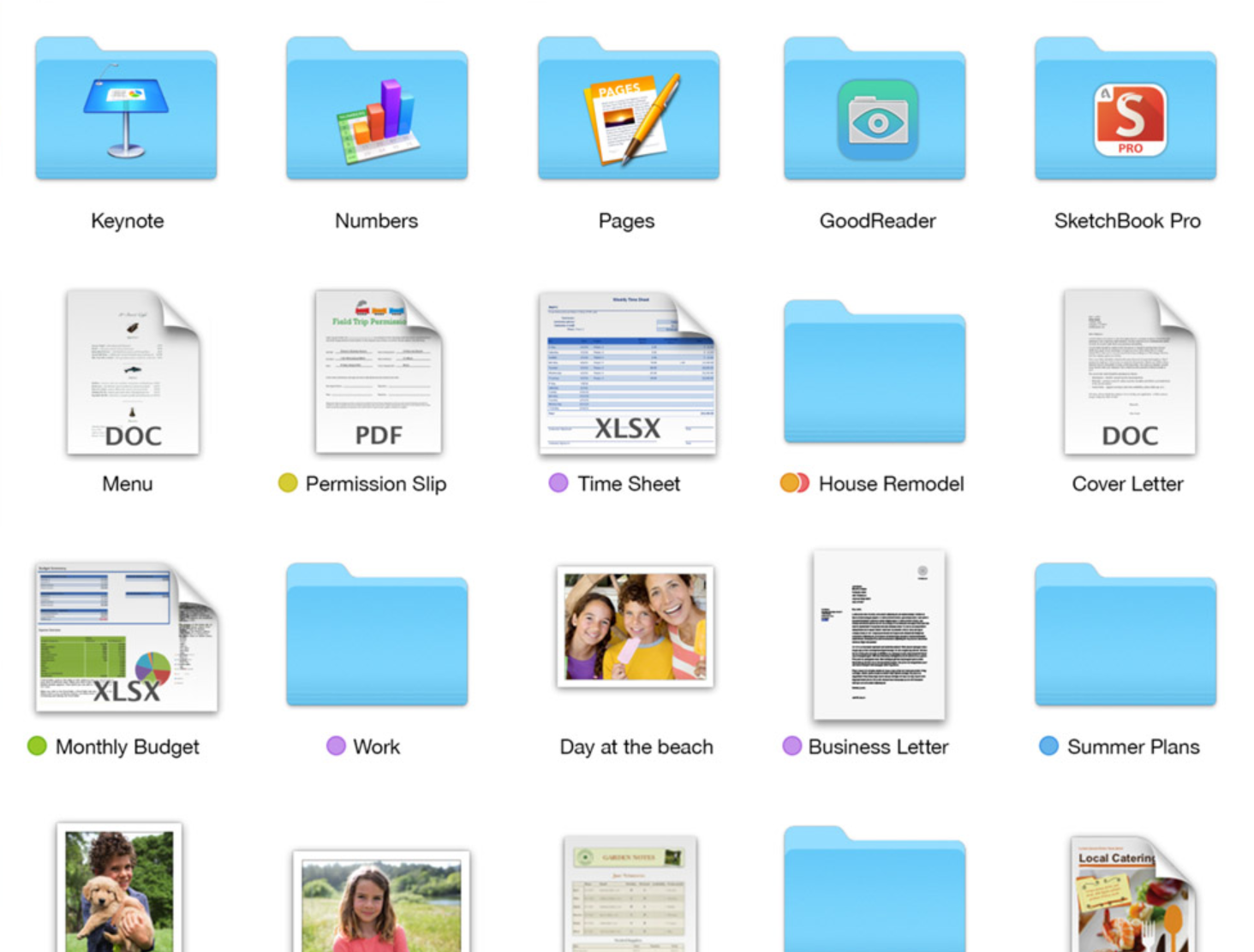
remember files?
For most people who've grown up working in cloud-based tools like Google Docs, the idea of storing files locally can feel almost quaint.
THE BOTTOM LINE IS
CONTROL
- No cloud
- No logins
- No ads
- No AI
you own your writing
Local file storage gives you a sense of control, a genuinely rare thing in the modern software landscape. With Obsidian, you're not dependent on a WiFi connection. You're not at the mercy of a tech company's account policies. You're not quietly feeding your writing into a surveillance apparatus or AI training algorithm. You're starting from a position of ownership. For a writer, that's no small thing. Your writing is everything.
WRITING IN OBSIDIAN

A combination of good design decisions makes writing in Obsidian feel not only fast and secure, but also enjoyable and productive.
MARKDOWN
This is a Heading
this is italic text
this is bold
# This is a Heading
## This is a sub Heading
_this is italic text_
**this is bold**
this is a link
What more do you need?
(learn more: markdownguide.org/basic-syntax/)
Obsidian, like whatsapp, discord, many websites, and sometimes facebook depending on the phase of the moon, formats text using a lightweight standard called Markdown.
You've probably used it already.
Markdown is really simple to use, and is designed to look good both in plain text and when rendered as rich text, unlike Word files or HTML, which are unreadable by most people, unless rendered in a browser.
Here we've got a heading, denoted by the hash symbol, italic with underscores, bold with double asterisks, and links using double square brackets.
There are a few more options available, which you can look up here, but this is the overwhelming majority of formatting you'll need on a day by day basis.
(If this style of formatting doesn't vibe with you, then the formatting toolbar plugin is what you need!)
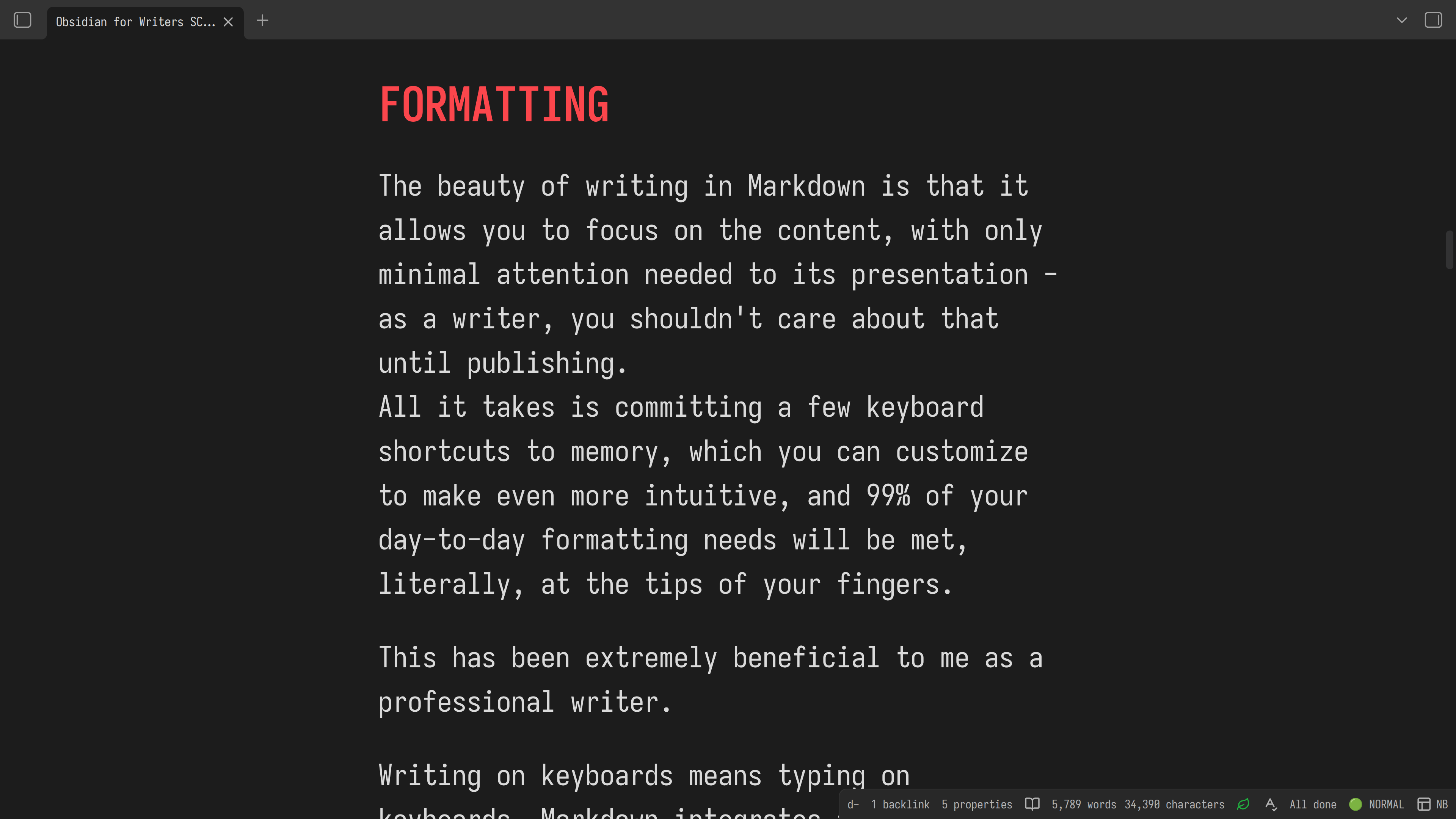
The beauty of writing in Markdown is that it allows you to focus on the content, with only minimal attention needed to its presentation - as a writer, you shouldn't care about that until publishing.
All it takes is committing a few keyboard shortcuts to memory, which you can customize to make even more intuitive, and 99% of your day-to-day formatting needs will be met, literally, at the tips of your fingers.
This has been extremely beneficial to me as a professional writer with deadlnes.
Writing on keyboards means typing on keyboards. Markdown integrates formatting into the typing you're already doing. As you write, you can type all the formatting you need, never stopping to click or swipe. It's a seamless process that keeps you focused on the work at hand; the work that's going to get you PAID, not the appearance of those words.
BANISH DISTRACTIONS
Neil Gaiman
Never having to leave the keyboard leads to speed, which although not a metric most people equate with "good writing," is actually kind of crucial to the whole process, ask George R.R. Martin. The fact that your hands never leave the home row, means you're not breaking the flow of the writing itself. You're getting more words on this page in less time. This has a direct effect on speeding up the transition from "no draft" to "first draft."
For my full thesis on this, watch my video "Writing At The Speed Of Thought"
PLAIN TEXT LASTS FOREVER
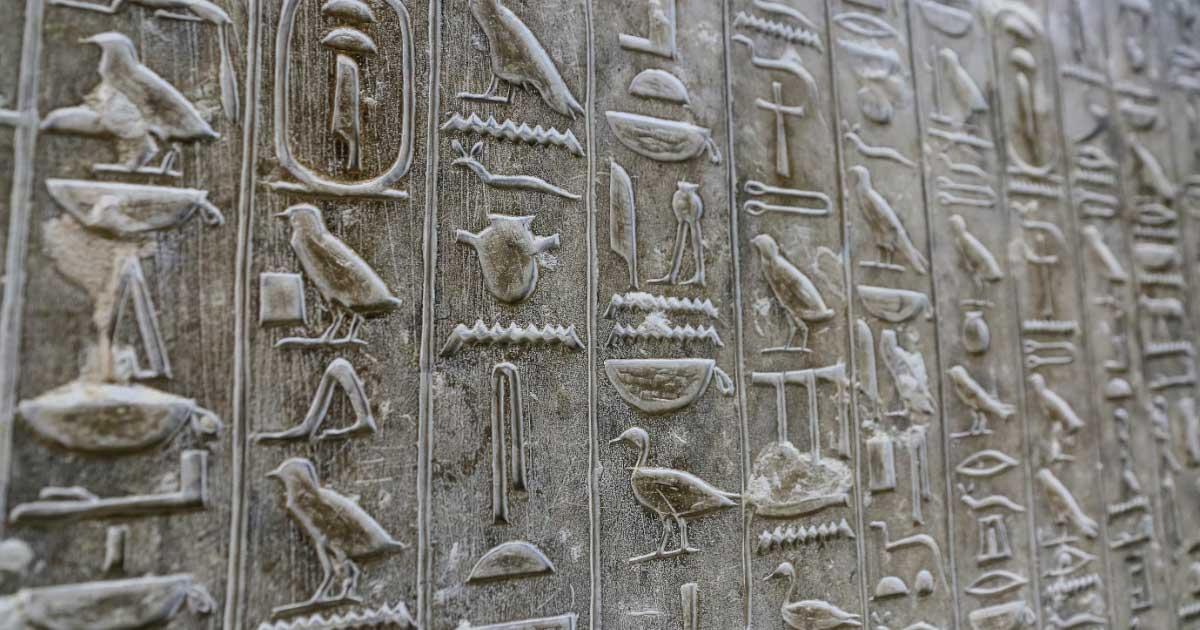
The chisels are gone, the writing remains
Forever is a strong word, but if history is anything to go on, plain text will be around for a very long time. Which means your writing will too.
Working inside plain text Markdown doesn't just insure us against the obsolescences of our tools, but gives us superpowers TODAY:
STANDARDS > ECOSYSTEMS
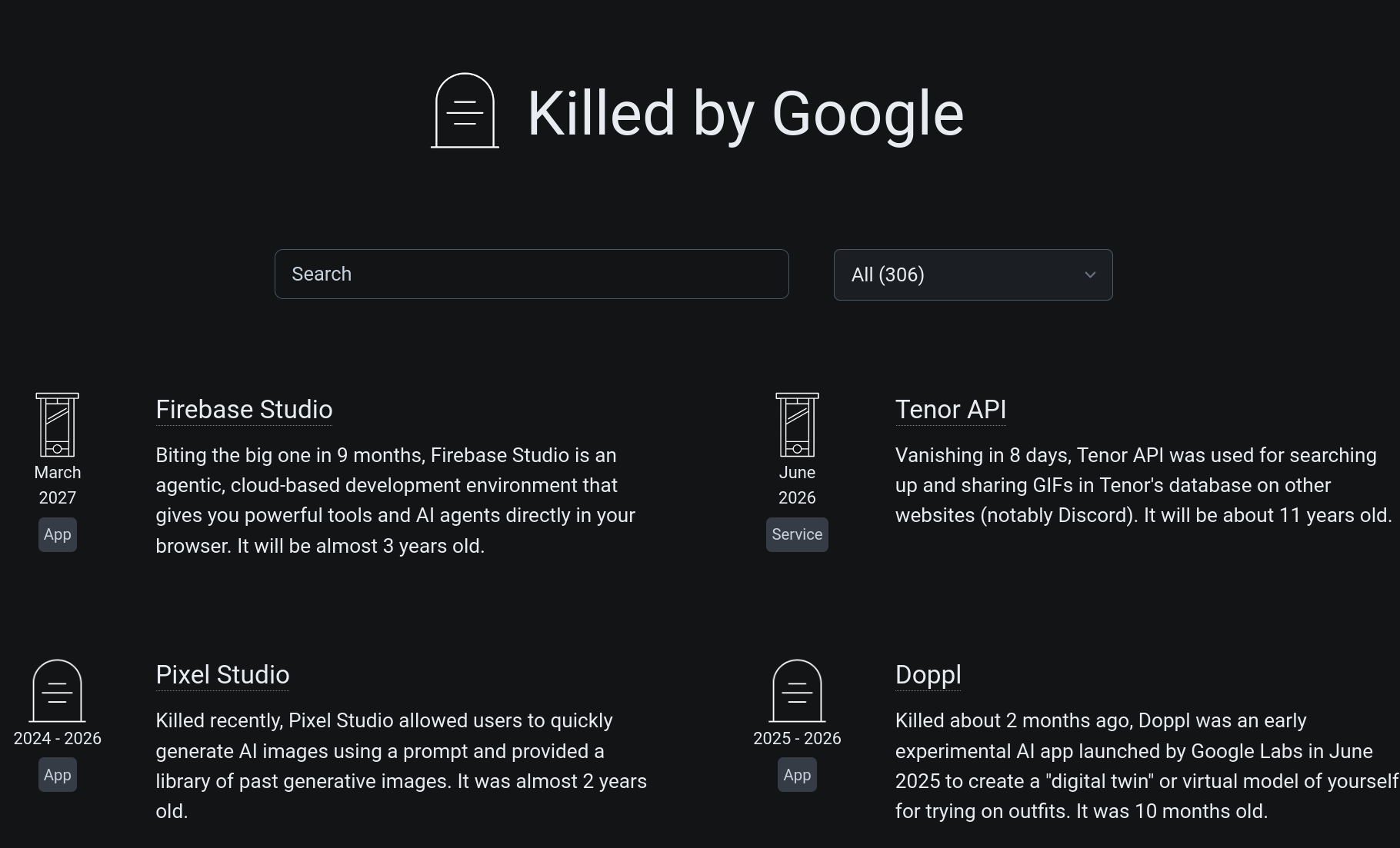
Imagine you wrote a book in, say, the Google Docs ecosystem, and want to see what plugins or integrations are available to help organise, modify, or publish your writing.
How many apps have a Google Docs plugin? Quite a few!
There are spelling and grammar checkers, collaboration tools, brainstorming tools, outlining tools, and mind mapping tools. There are probably hundreds, thousands, even.
But they all must use Google's API to work on your documents. Which means Google get to decide if they can, not you, and they must be kept up to date with Google's changing cloud services. This gatekeeping is good for Google's bottom line, of course. It's why they do it. But, it's very bad for us as writers.
Contrast this with writing your book in Obsidian as a simple, plain-text, markdown document.
MARKDOWN IS EVERYWHERE
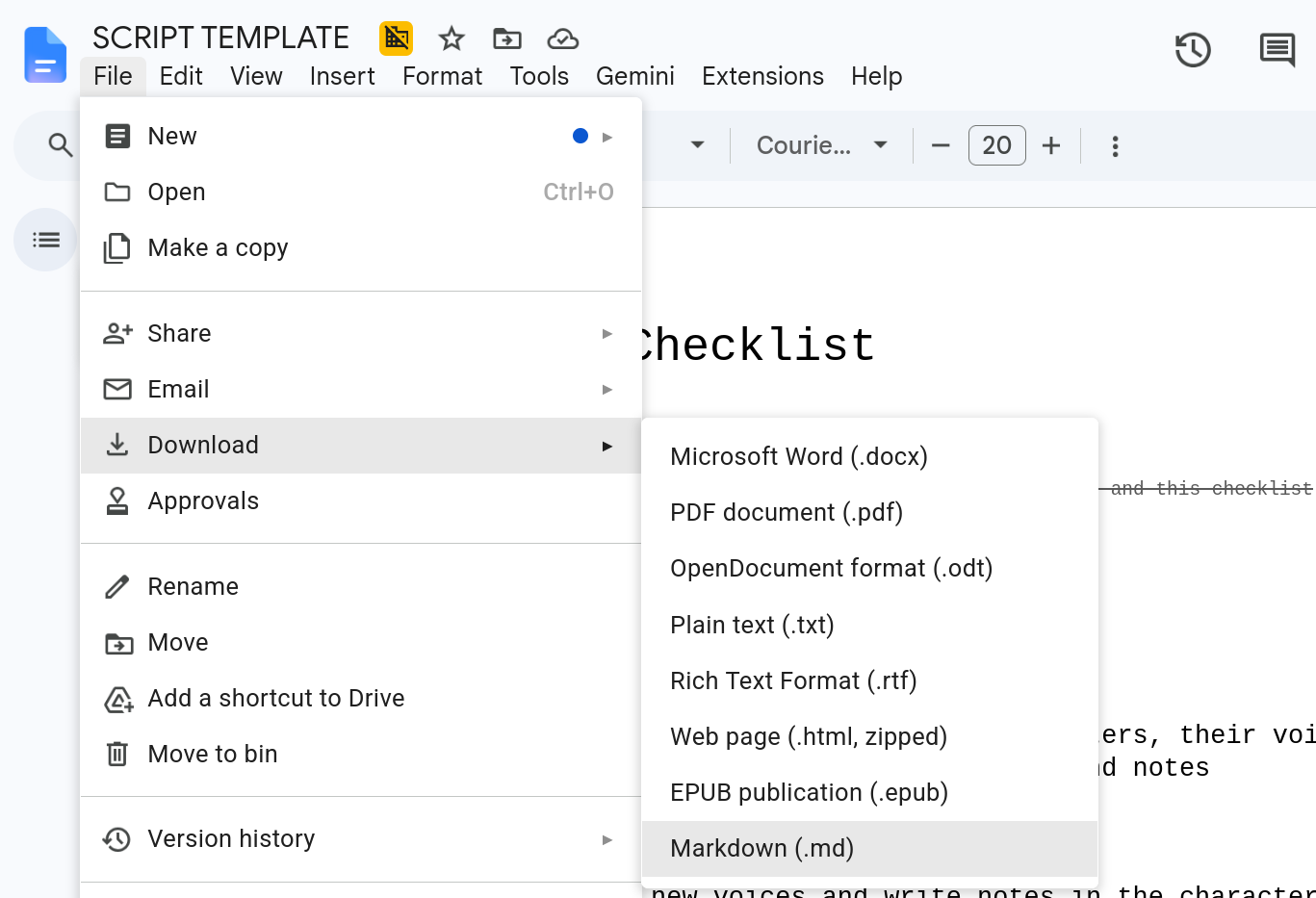
How many tools work with Obsidian? Well, there are about 5000 native obsidian plugins at time of recording, but probably not many external tools. In fact, neither Scrivner nor Microsoft Word nor Google Docs—none of the big word processors—will support Obsidian. It's just too small for them to bother with.
But wait.
They all support Markdown.
So the number of tools that you can use with your manuscript isn't limited by the ones that work with Obsidian, but by how many work with Markdown.
Ok, that might be 10s of thousands!
But, it gets better.
PLAIN TEXT
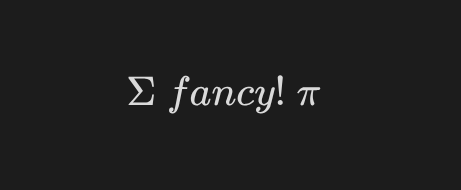
$\Sigma\ fancy!\ \pi$
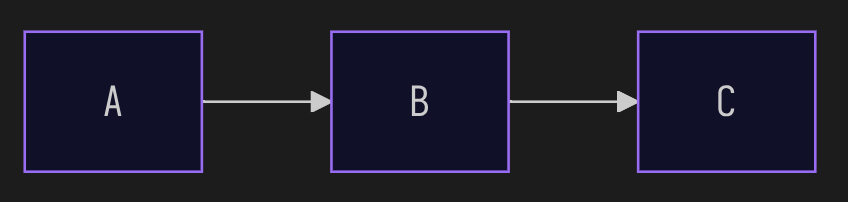
flowchart LR
A  B  C
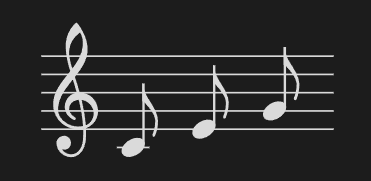
C E G
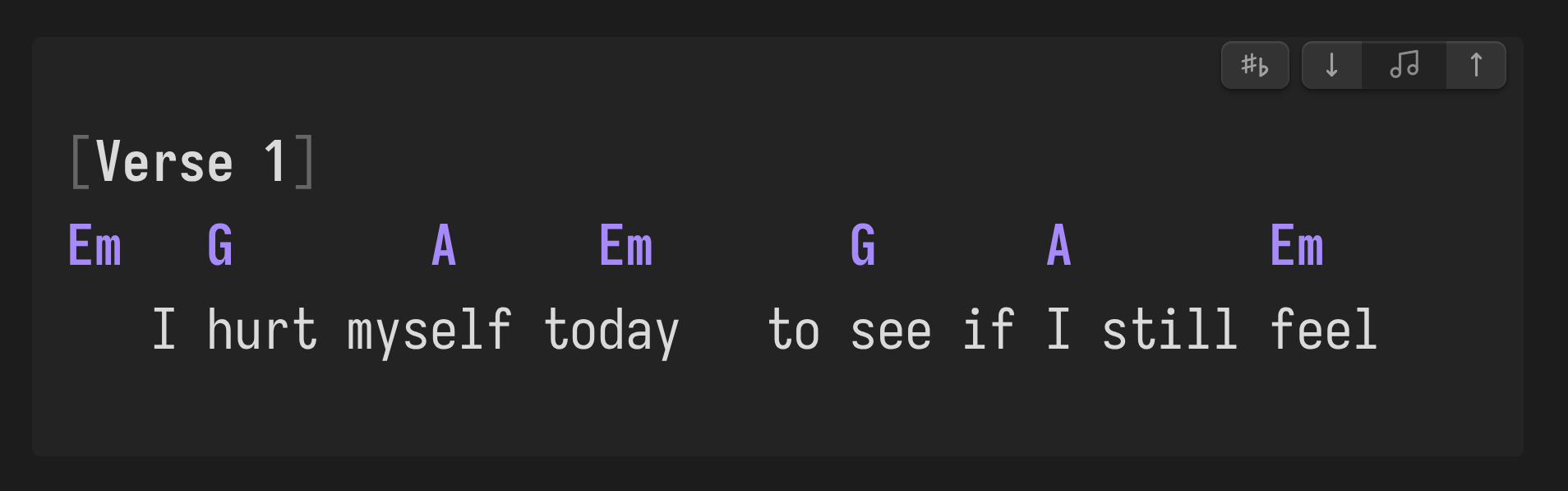
[Verse 1]
Em   G       A     Em       G      A       Em
   I hurt myself today   to see if I still feel
(showing built-in LaTeX, Mermaid plugins; Community ABC Music Notation, and Chord Sheets plugins)
Markdown is just plain text, sequential, human-readable, asci characters arranged in lines. That means any tool that works with plain text files works with your Obsidian manuscript!
How many tools are there that work on plain-text in the world?
Like, A MILLION!
- Static site generators
- Collaboration tools
- Discord bots
- Editors of all kinds including the ones you might already be using, such as VSCode
- Offline Grammar and spellcheckers that DON'T train AI on your words
- Tools for joining and splitting files into chapters or by speaker or topic or location
By using a STANDARD instead of an ECOSYSTEM, you gain superpowers you didn't even know existed.
If this is all a little overwhelming, I quite understand, I've had 6 years of editing and tweaking my setup to get to this stage.
If you would prefer a turn-key solution, I have built a pre-configured writers vault as a bonus download for all those who support me, at any level, on my Patreon.
Please consider signing up, especially if you'd like more videos on writing.
Thank you so much! Onward:
UNKNOWN UNKNOWNS
IT'S HARD TO MISS WHAT YOU'VE NEVER KNOWN
Writers tend to stick with whatever platform they've been using that makes the sometimes chaotic experience of writing feel more manageable. When it comes to platforms, writers are creature of habit. And, if it ain't broke, why fix it?
But, a lot has changed, for better and for worse, in the world of writing platforms, hasn't it?
And, if you've been using one of the major platforms for decades, you may be missing out on some of the positive changes outside them.
And have forgotten about the slow degradation of features inside them.
Here are a few basic Obsidian features you may not have known you need.
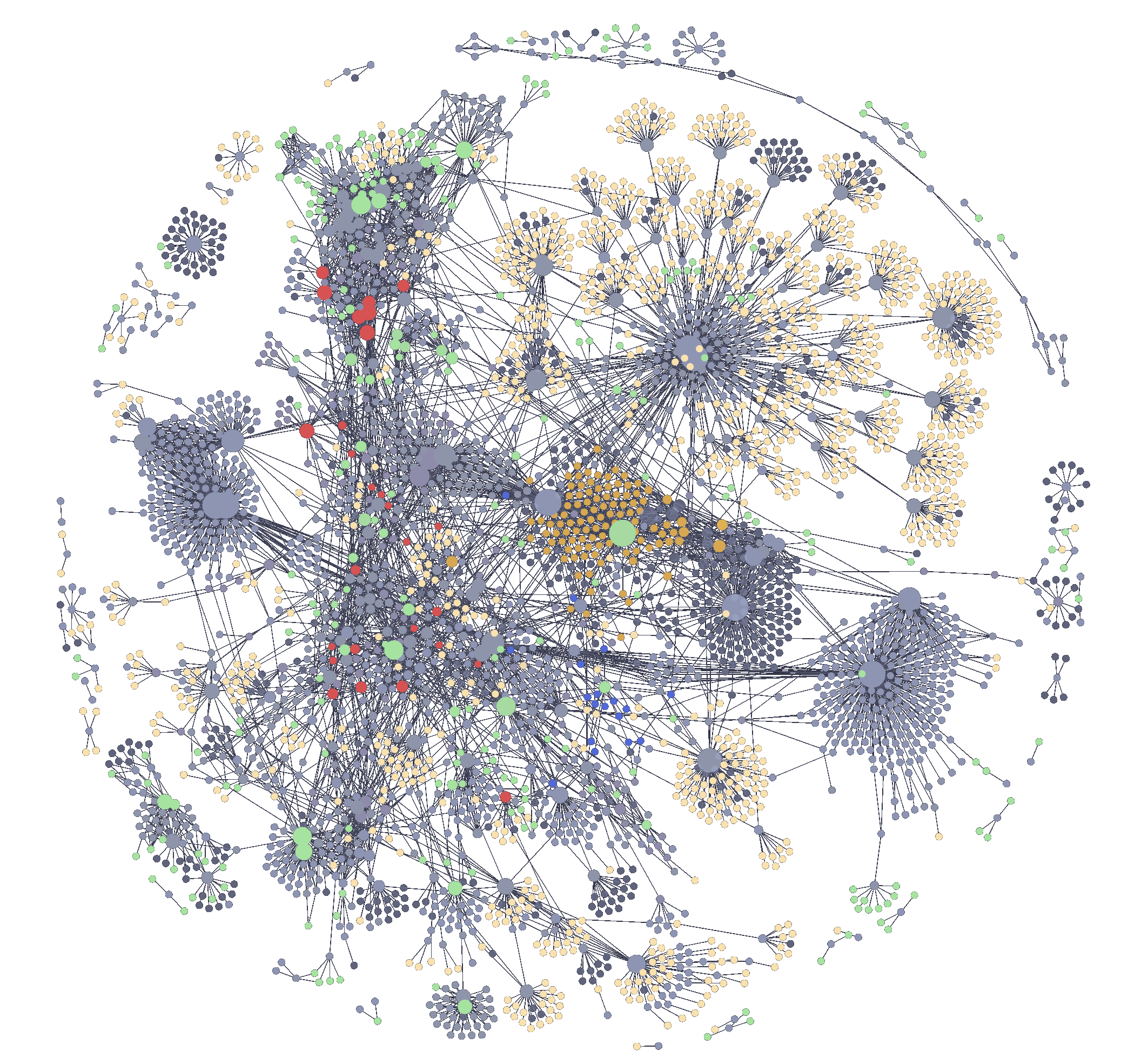
My Obsidian network of links, c. 2025
Writers who use Google Docs, Apple Pages, and Word are probably not familiar with the wonder of using links. Because, although you CAN make links in these tools, they are annoying to use, and clearly not supposed to be a core part of your workflow.
Obsidian, like our own brains, treats links as a core feature and function. Having the capability to easily link between your notes and files, means you can quickly scaffold ideas and writing around the relationships between them, not just categories.
You can also refer to other documents or parts of documents that you want to return to later. This proves invaluable when working on multiple documents covering different aspects of the same topic. Even more crucial for those who write books, and have multiple chapter files.
If you use, say, scriviner, you can learn to organise your writing by:
- Labels
- Statuses
- Scenes
- some of which can have metadata attached
That's nice of the Literature and Latte team to provide, but compared to Obsidian, EXTREMELY inflexible.
Because if your editor supports LINKS, like obsidian does, you can easily organise your writing with structures that make sense to YOU and YOUR STORY, as simple or as nested as you like, with just a few keystrokes.
MANUSCRIPT REFACTORING
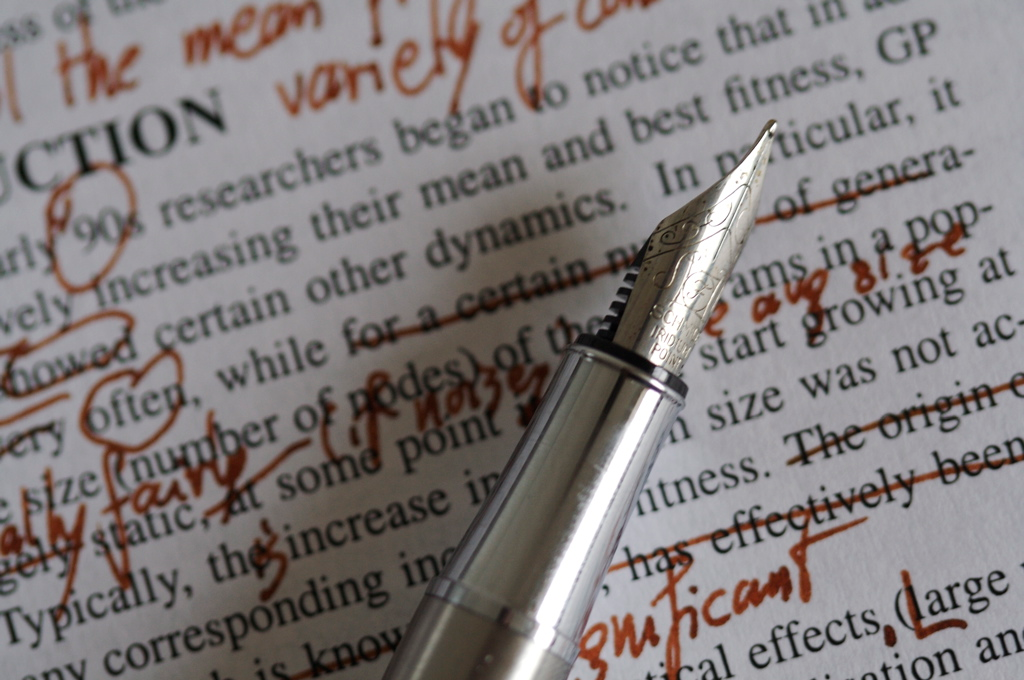
credit: wikimedia commons
Writers who edit their own work inevitably need to move around paragraphs and sections. Obsidian makes this effortless with a simple keyboard shortcut. No cutting and pasting required. So long as your cursor is in the paragraph you want to move, you can just press the shortcut, and the paragraph will move up or down. This is especially useful during structural edits, when experimenting with the order of ideas rather than the words themselves. This allows you to rearrange your thinking in real-time.
OUTLINE DRAG AND DROP
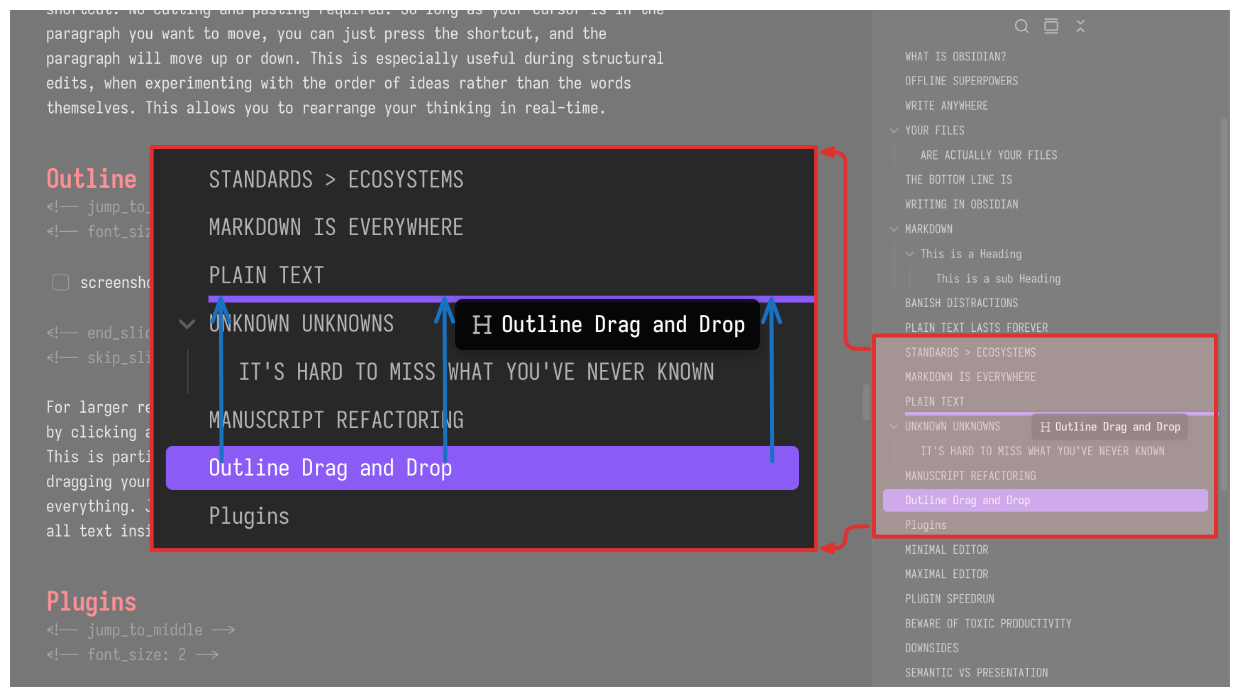
For larger rewriting tasks, you can also move entire sections of your draft by clicking and dragging the heading in the outline in the right-hand panel. This is particularly helpful when using the Obsidian mobile app. No more dragging your finger to select multiple paragraphs and tables, hoping you catch everything. Just open the side bar, long-press the heading, and drag it, and all text inside that section, where you want it.
PLUGINS
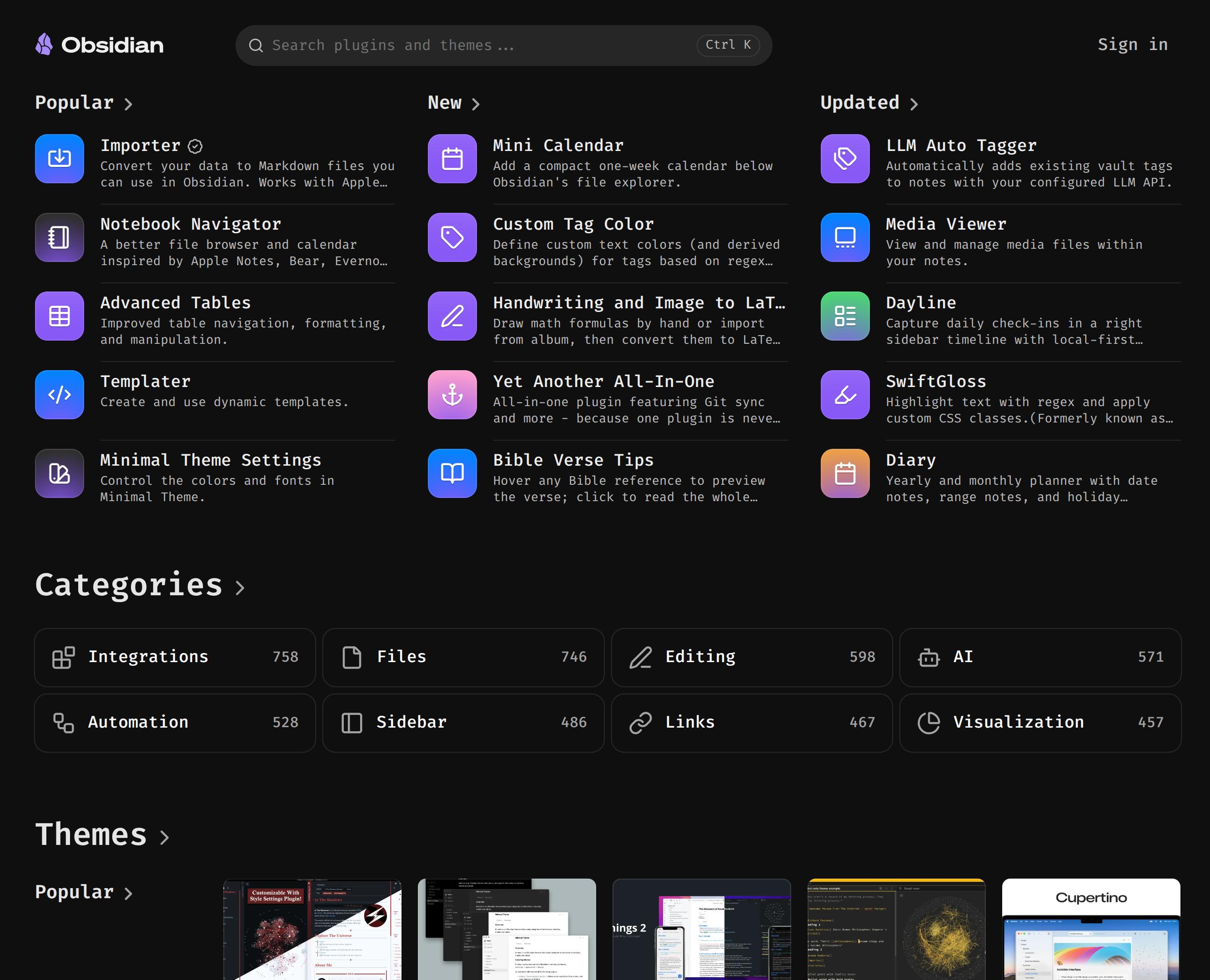
At the heart of Obsidian are plugins, toggle-able options that expand the features of the editor, in large and small ways. These can be one of the 30 or so that are built-in, or the nearly 5000 made by the passionate community. All for free.
MINIMAL EDITOR
Even with all plugins turned off, Obsidian is the best distraction-free Markdown text editor on the planet.
MAXIMAL EDITOR
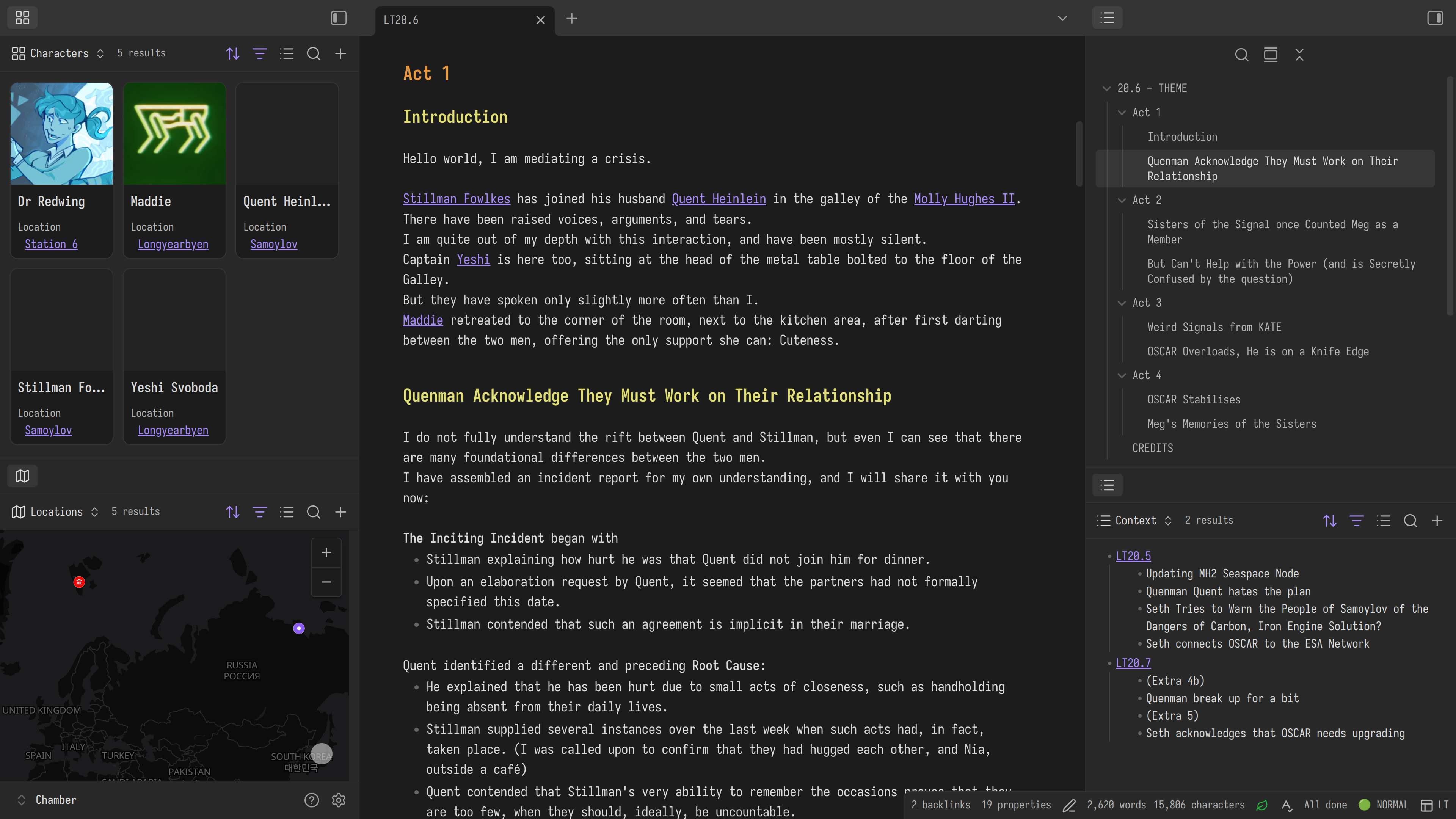
But turn on a few built in-plugins such as Bases, and it doesn't take much to have a powerful organization system for writing, without installing any 3rd-party plugins.
Of course, while you shouldn't clutter your Obsidian with loads of plugins you don't need, there are a few that I find so uniquely useful to me in my writing, that you simply MUST use:
PLUGIN SPEEDRUN
-
Scroll offset
-
Linter
-
Wordy
-
Hotkeys for templates
-
Bases / dataview / tasks
-
Storyline
-
scroll offset
- A feature that is sometimes called "typewriter scrolling", this keeps the current line in the middle of the page, allowing you to read the context above and below without wasting time reaching for your mouse and scrolling.
-
Linter
- What's better than a style guide? A style guide that corrects you automatically when you save!
-
wordy
- A combination of Thesaurus, Rhyming dictionary, Alteration lookup, and a Dictionary
-
hotkeys for templates
- If you regularly type the same thing over and over again, perhaps scene direction or an editing checklist, then you should certainly use the built-in templater plugin. And if you find you use certain templates very frequently, you may wish to make a hotkey for it!
-
BRIEFLY: base / dataview / tasks
- The power and beauty of Obsidian is that while the entry-level complexity is extremely low (it can be used only as a plain text notepad if you wish) there are no upper limits to how complex you may make it.
- Built in tools such as Bases and Canvas hint at this, but the ecosystem of plugins shows just how flexible plain text is. For the writer, none is more obvious than the last plugin I will mention: Storyline
-
Storyline
- A comprehensive storywriting framework with scenes, plothole detection, pacing guidance, reading complexity statistics and far, far more. Especially from those refugees from Scrivner, you will feel right at home in this plugin, but without any of Scrivner's constraints.
BEWARE OF TOXIC PRODUCTIVITY:
I HAVE 109 PLUGINS
(in my defense, only ~half are active at a time, using plugin groups)
Community plugins are some of the most interesting and exciting aspects of the Obsidian ecosystem. So much so, that some people find it hard to resist tinkering with their setup rather than using it.
(I, of course, can't empathise with this position, and havn't spend 6 years tweaking my setup)
It's important to remember, and this is especially true for writers, that the platform you design and the functionality you design it for, should be "just good enough." There is no perfect system, but there are systems highly tuned toward writing, this should be our goal.
(And I hope one day to learn this for myself)
DOWNSIDES
What are you, cops?
There are very few downsides to using Obsidian for writing. But, it would be disingenuous to not mention the few that get brought up in the community. I especially want to mention these, because if you do decide to try out Obsidian, they're going to rear their heads fairly quickly, and I want to help you past them.
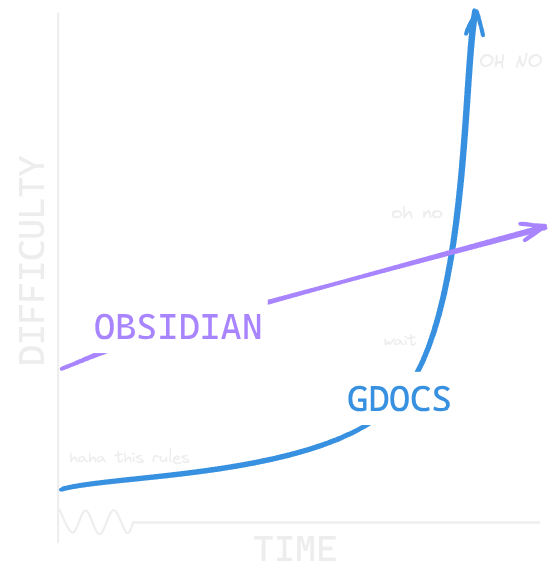
While Obsidian is one of the simplest platforms to use, if your only experience with writing is using Google Docs, opening up Obsidian for the first time can feel a bit daunting. Mostly, because of how little there is to see. Missing are the flashy toolbars, constant helpful pop-up suggestions, and familiar colourways of the bigger writing platforms.
But I promise, if you take a few days to get used to how Obsidian works, you'll soon see why so many writers have made the leap.
Obsidian is not easy, but it is simple.
Though for the power user, there are comprehensive hotkeys to do everything inside Obsidian, if you only ever use one hotkey, make it the one to open the command pallette, a searchable list of all functions of the app:
- On Windows and Linux it is
c-p - On Mac it's
cmd=p; 'p' for pallette
SEMANTIC VS PRESENTATION
Call me Ishmael. Some years ago—never mind how long precisely—having little or no money in my purse, and nothing particular to interest me on shore, I thought I would sail about a little and see the watery part of the world. It is a way I have of driving off the spleen and regulating the circulation. Whenever I find myself growing grim about the mouth; whenever it is a damp, drizzly November in my soul; whenever I find myself involuntarily pausing before coffin warehouses, and bringing up the rear of every funeral I meet; and especially whenever my hypos get such an upper hand of me, that it requires a strong moral principle to prevent me from deliberately stepping into the street, and methodically knocking people’s hats off—then, I account it high time to get to sea as soon as I can. This is my substitute for pistol and ball. With a philosophical flourish Cato throws himself upon his sword; I quietly take to the ship. There is nothing surprising in this. If they but knew it, almost all men in their degree, some time or other, cherish very nearly the same feelings towards the ocean with me.
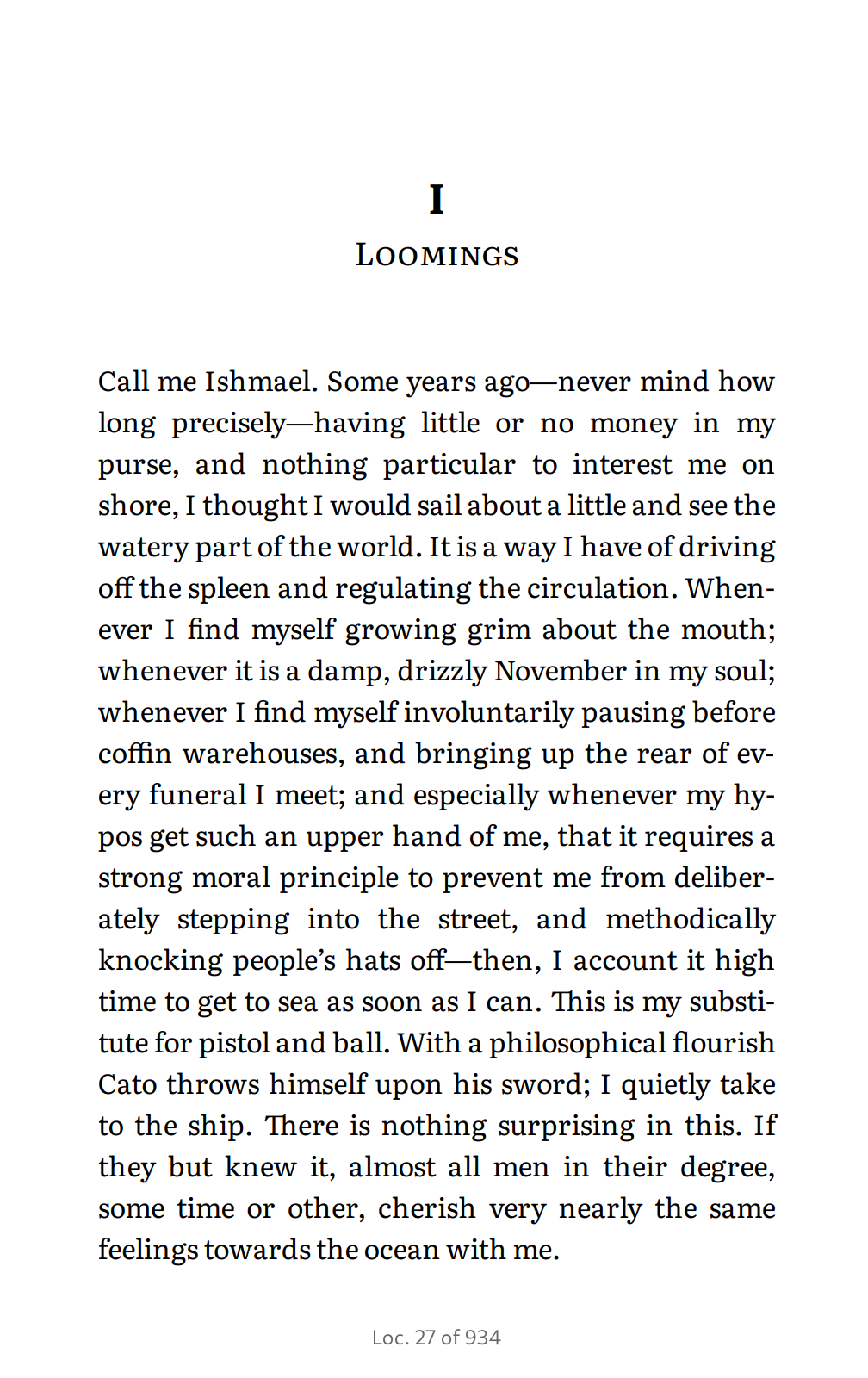
Printing your writing from Obsidian requires an added step of first converting your markdown file to a PDF, or word document, which although can be done quickly, and with only a few keystrokes, can feel like unnecessary friction.
It is a small price to pay for the many other benefits that come with writing in Obsidian, and I think a blessing in disguise.
Think of it like the so-called Hemmingway method. As a writer, separating the SEMANTICS of your writing from the PRESENTATION of what it looks like cuts to the heart of what YOU should be focussing on, the words, and what your PUBLISHER should be focussing on, everything else.
Whether or not Hemingway actually wrote drunk and edited sober, YOU SHOULD SPLIT UP THESE TWO MODES.
PDF EXPORT
(Or Word or ePUB or HTML...)
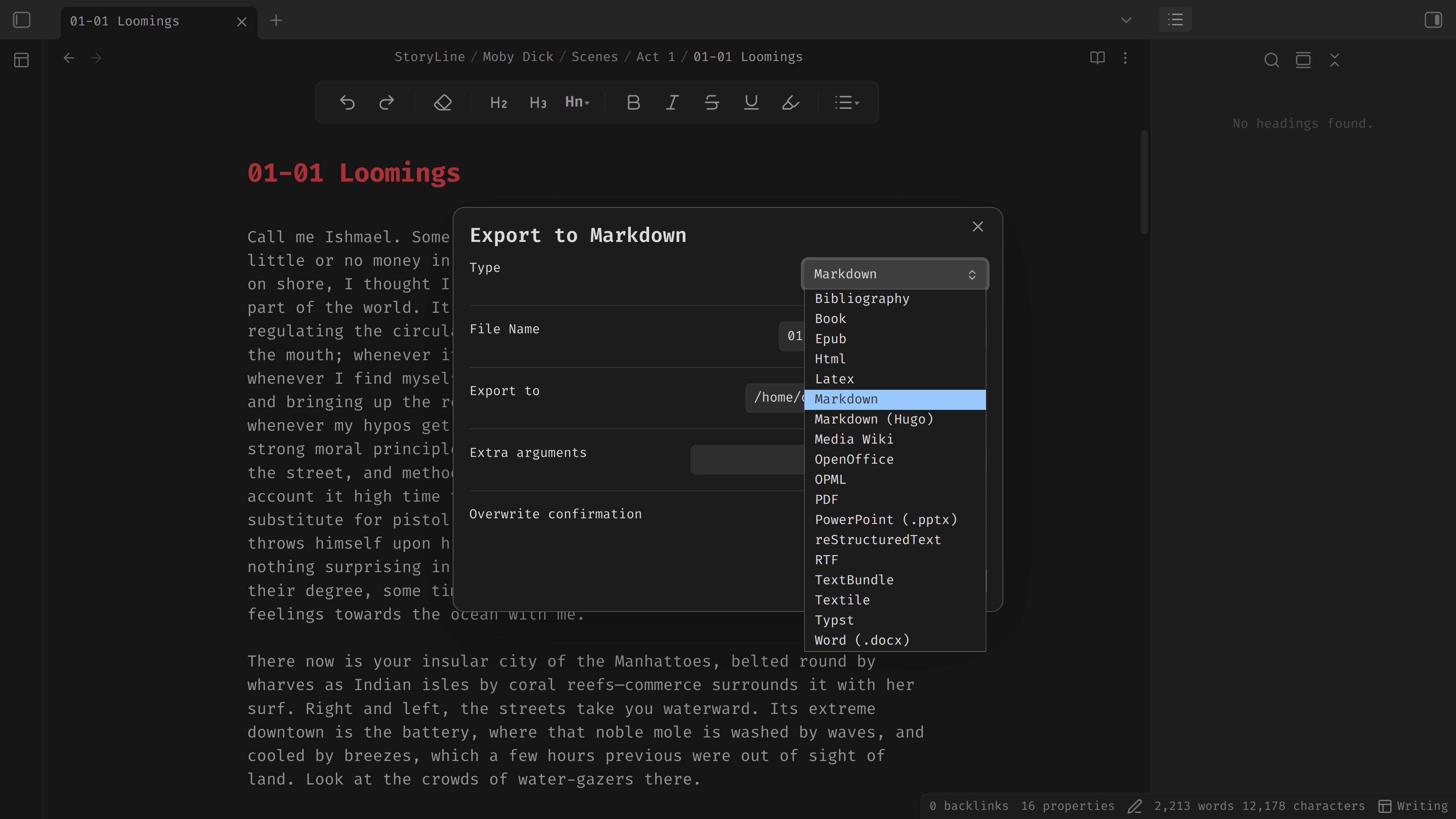
but what if you are both writer and publisher?
The enhancing export plugin is essential for the solo publisher, using Pandoc behind the scenes:
Pandoc lets you write presentations, draft books, make webpages, and write assignments all in Markdown, and export to whichever format you fancy, without leaving Obsidian.
It does this by using LaTeX behind the scenes, an industry-standard in the publishing world for 42 years. (though if you want something newer, typst plugins are also available)
I'd need a whole video to explain this extremely comprehensive system, but you don't have to worry about it YET, just get writing in markdown, safe in the knowledge that every publishing format is available to you when you need it!
COLLABORATION
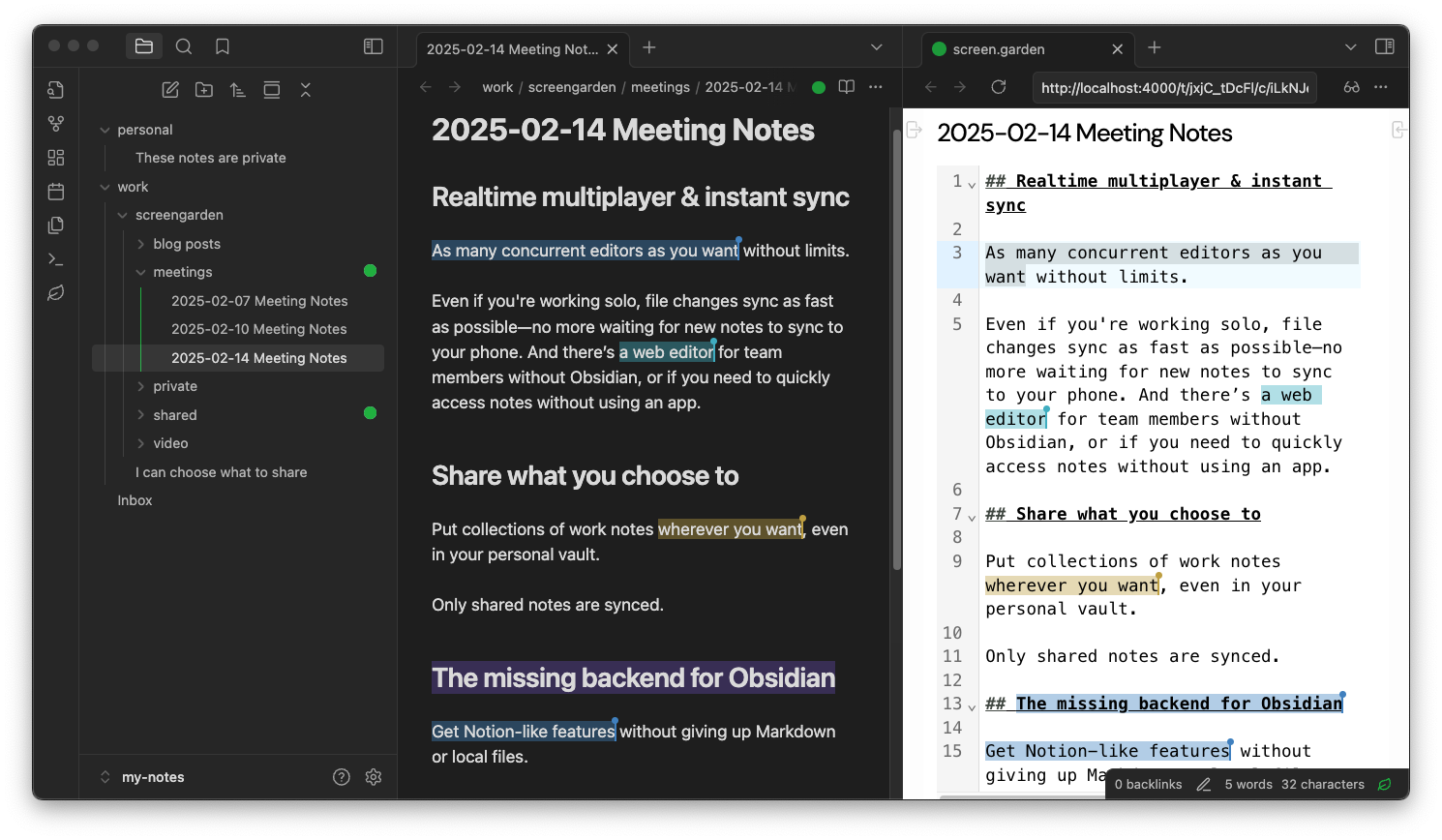
One of the long-standing issues people have with Obsidian is its lacklustre collaboration ability. Collaborating with colleagues is simply not a core function, the files are on your computer, not theirs!
But, it's not impossible. In fact, this video, which is a collaboration between Bob Doto and I, is proof that it can happen, and with relative ease. Of course, you will need to install a plugin to make it happen, we used Screen Garden, others such as Peeraft work well too.
and if you've come from the engineering world, git and all the plain text collaboration tools are available, of course too.
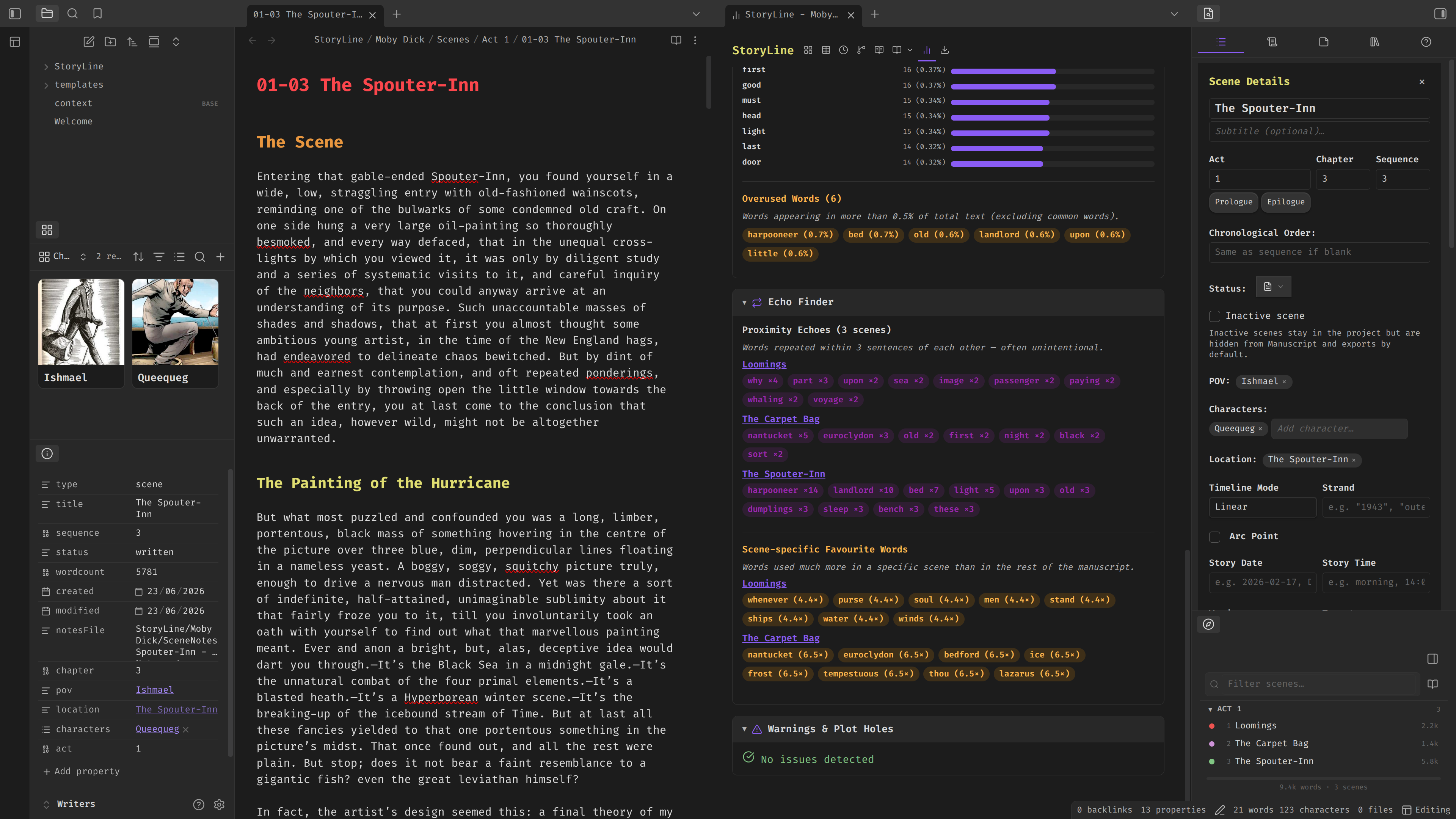
The patreon bonus writers vault, with characters base, metadata, my heading styles, and preconfigured Storyline plugin.
In the end, using markdown, and thus keeping your hands on the keyboard, keeps you, the writer, in the writing process by bringing work that would otherwise take you out of the process, back in. You can now choose when you want to pause, employ a little helpful distraction, rather than the tools you're using making that decision for you.
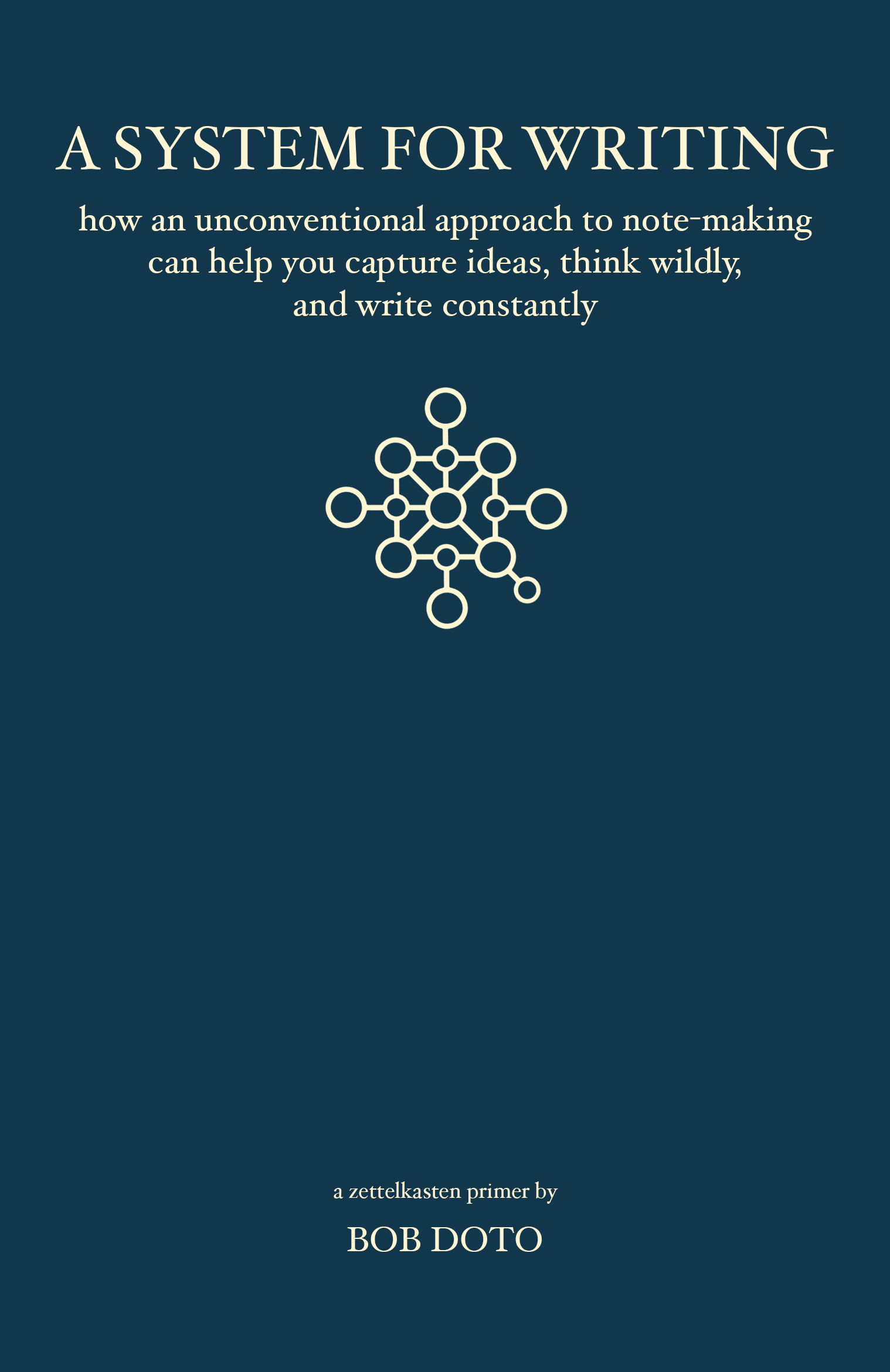
- IMO the best book on Zettelkasten
- read about it at:
bobdoto.computer - I bought it twice!
(All links below)
This video would not have been possible without my cowriter and friend, Bob Doto.
I reached out to Bob after reading the best primer on the Zettelkasten system, his book "A System For Writing", which he drafted in Obsidian.
I was writing my own video on the topic, which would eventually become my Obsidian for Learning series, and wanted advice from the master.
I can't say enough positive things about the book, you may buy it at https://bobdoto.computer, or Amazon.
If you would like to buy a DRM-free ebook, I successfully bullied Bob into releasing this on his gumroad - you're welcome!
All links are below.
If you are a writer of any kind, your creative process will be dramatically improved, as mine was, by reading this short Zettelkasten guide.
Thank you, happy writing!